KDE Connect is a cross-platform file transfer software that allows you to control your computer in addition to transferring files. For more information on how to use KDE Connect, see my previous post.
By default, KDE Connect requires Wifi to connect to other devices, but what if Wifi doesn’t work?
For example, you want to use KDE Connect APP’s slidershow pointer to control your computer, but they are in different networks, the computer doesn’t have Wifi, and the hotspot of your mobile phone can’t be used, how to connect?
Or you want to transfer files between your phones and computer without connecting to Wifi.
This could be solved by using the virtual lan software. The KDE Wiki recommends OpenVPN, but I use a virtual lan as a solution.
If the computer is yours, install TailScale to log in your account.
For public computers, you can install ZeroTier and anonymously add your device to the ZeroTier Network with Network id.
-
Connect your phone and computer to the virtual LAN.
-
Open the firewall on your computer to allow KDE Connect to pass through, following the instructions in the KDE Wiki.
-
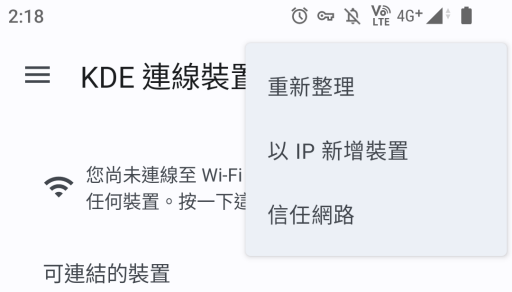
Open KDE Connect APP, tap Add Device by IP.
-
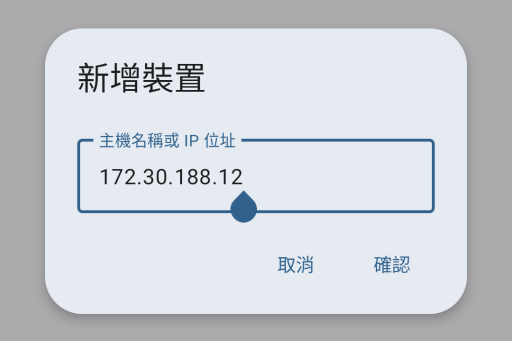
Enter your computer’s virtual lan IP (assinged by ZeroTier or TailScale) to connect
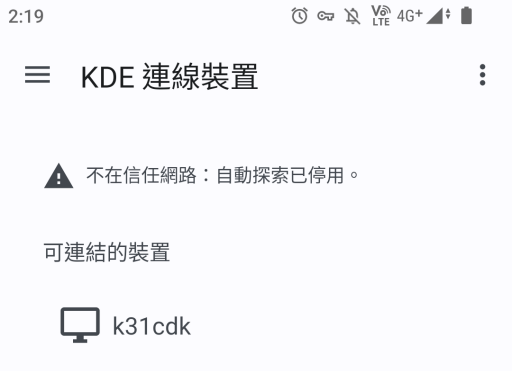
- TailScale or ZeroTier on the computer can always be connected to the VPN and it will not interfere with the computer’s external connection.
Since KDE Connect APP will always stay awake in the Android background, KDE Connect will automatically connect to the computer when you connect your phone to the VPN.
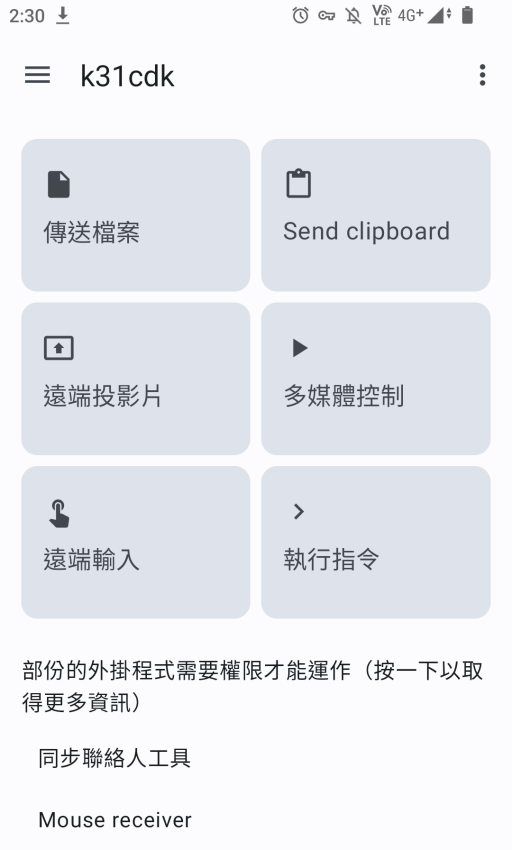
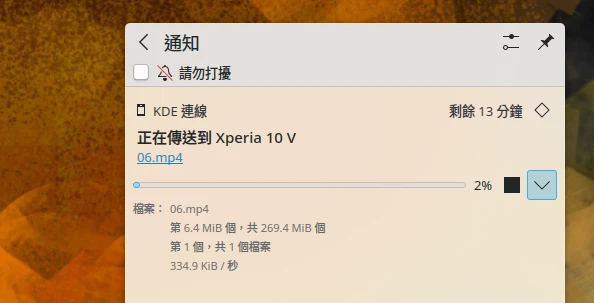
When transferring files using a virtual LAN, the speed of KDE Connect depends on the speed of the uploading network on the sending side.