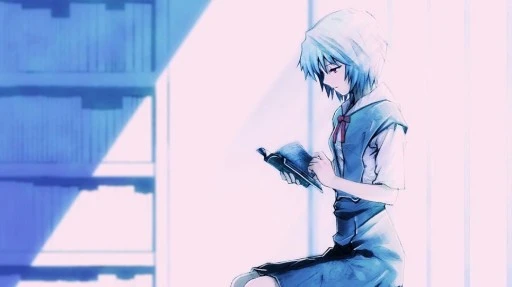
The world’s first! Ubuntu school romantic comedy manga.
Ubunchu!, whose Chinese translation calls it Wubangchu, is a manga drawn by Japanese manga artist 瀬尾浩史. It was once serialized in Ubuntu Magazine Japan and has now ended.
The manga introduces the Ubuntu system in a light and humorous tone. Whether you are a newbie or an old hand, you can experience the fun of Linux from it.
It does not use the technique of operating system anthropomorphism (OS-tan). Instead, it truly acts out how Linux is used in daily life.
This manga was published in 2009. The system that appears in the manga is roughly from the Ubuntu 9.04 era, and later the heroine spends an entire day and night upgrading to Ubuntu 9.10. Perhaps because of trademark issues, the manga uniformly calls Ubuntu Ubunchu?
Although it is old, the things it talks about are still applicable today! For example, GNOME still occasionally fights with X Server and crashes. ( Just cut X11 support directly and switch to Wayland, then you do not have to worry about this problem )
Compared with Linux comics drawn by Daniel Stori and xkcd, Ubunchu! does not talk about too many technical things. It mainly talks about Linux and free software community culture, as well as the real-world difficulties encountered when promoting Linux to Windows users.
1. Ubunchu! Characters #
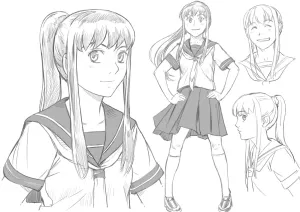
如月あかね: President of the System Administration Club. A fanatical Unix believer who prefers browsing the internet from the command line and did not know desktop graphical systems existed until high school.
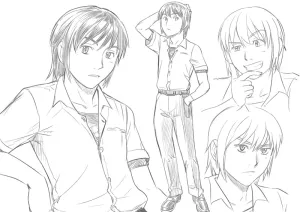
御堂マサト: A Windows user, vice president of the System Administration Club, and Kisaragi’s archenemy.
椎名里沙: A Macintosh user and natural airhead, but also the first person to promote Ubuntu to the club members.
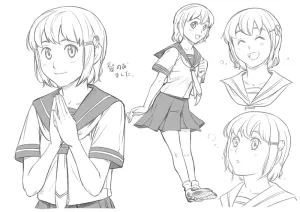
篠崎あきは: President of the Computer Science Club, opposed to free software solutions.
2. Resources for Reading Ubunchu! Online #
Official website of the manga’s original author: うぶんちゅ! - 株式会社 架空線
This manga is released under the CC BY-NC-SA 2.0 license, and users may freely modify and share it.
English translations (the translators obtained authorization from the original author):
Chinese fan-translation resources online are incomplete.
3. Episode Summaries of Ubunchu! #
Although this manga series can be freely reposted, for length reasons I only include the covers.
Episode 1: Ubunchu Appears!
うぶんちゅがやって来た!
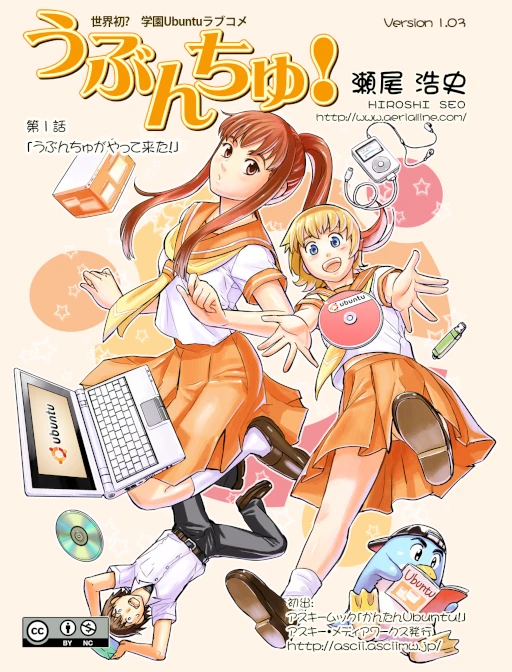
Linux CLI hardcore faction vs. Windows user vs. Mac user.
Unexpectedly, it is the Mac user who first wants everyone to try Ubuntu? By the end, even the Linux CLI hardcore faction is shocked by Ubuntu’s friendly interface.
As long as you have Wine, you can even play Windows bishoujo games!
Episode 2: CLI and the Little Sprites
CUIとコビトとお姉さま
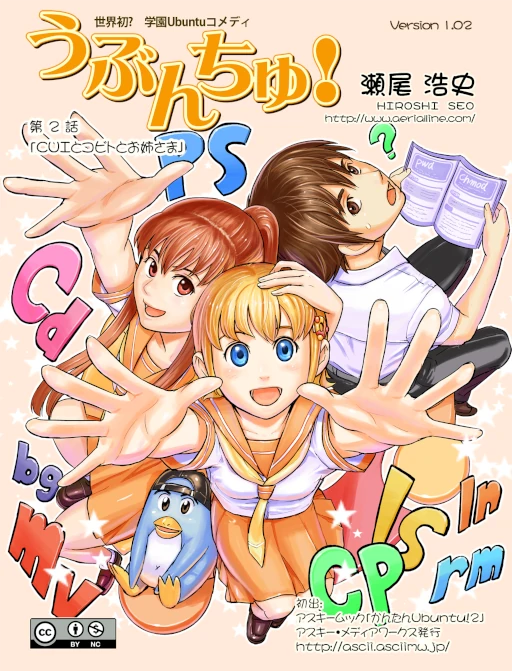
Introduces Linux command-line concepts.
In this episode, Shiina Risa treats Linux commands as little sprites working inside the computer, and the Linux desktop environment GNOME happens to mean a small sprite in English.
Episode 3: Is It Too Early to Debut on the Linux Forum?
フォーラムデビューはまだ早い?
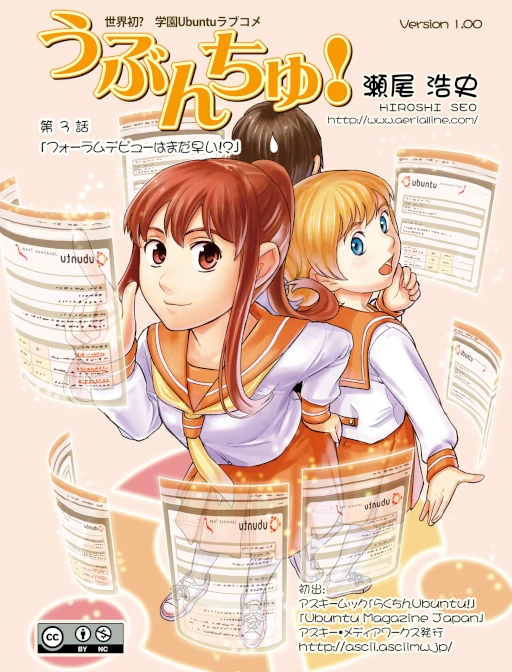
Introduces Linux internet forum culture.
XFree86 X Server keeps crashing. What should you do? Go to a Linux forum and ask for help! Warmhearted netizens will help you.
Episode 4: Three Little Rabbits
三匹のうさぎたち
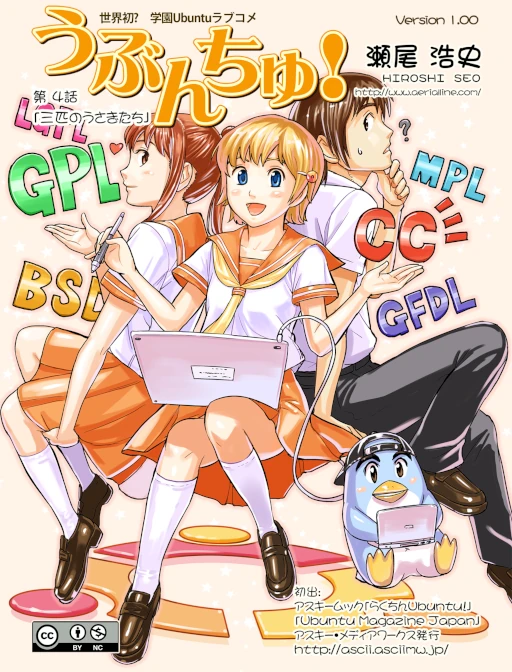
Introduces the GPL license of free software.
Episode 5: Big Sister Arrives!
ビッグシスター参上!
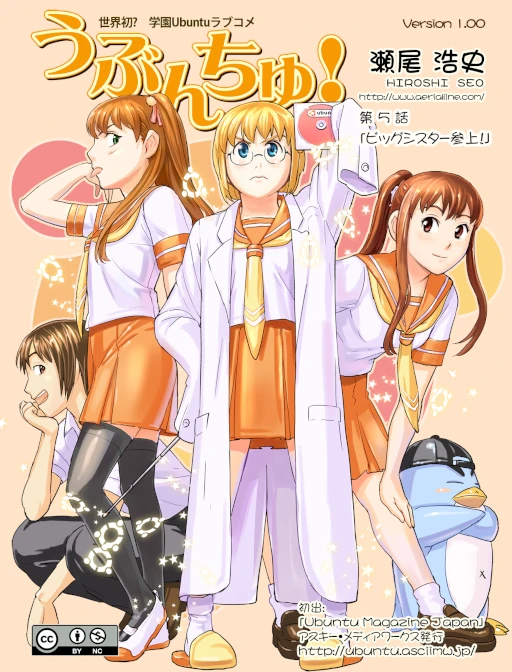
This episode introduces a very realistic problem.
What should they do when the computers the school plans to buy all run Windows? The student council president can be called the enemy of the System Administration Club, and she even says Ubuntu is a toy system. At this point, Kisaragi takes out a homemade Ubuntu CD and says everyone can customize the Linux interface.
Episode 6: A Perfect Day for a Koala
コアラにうってつけの日
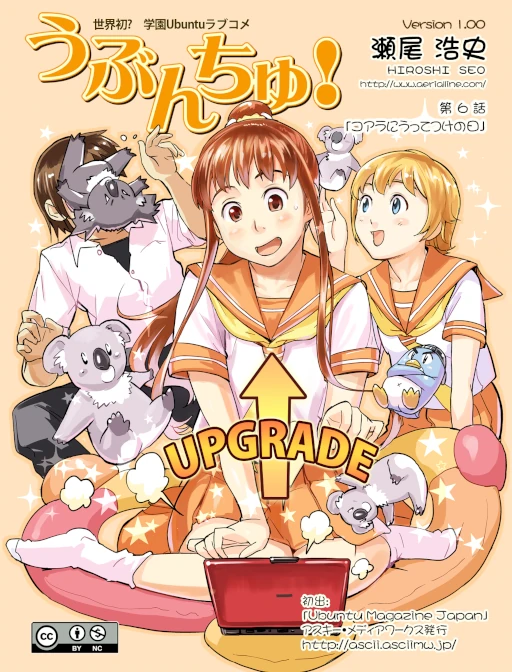
Introduces the fun of Ubuntu version naming.
Upgrading to Ubuntu 9.10 (Karmic Koala) takes an entire day.
President Shinozaki asks Kisaragi to persuade the school to migrate from Windows XP to Windows 7, so Kisaragi also hands out an introductory book about Ubuntu.
Episode 7: The Ultimate Installfest!
アルティメット・インストールフェスト!
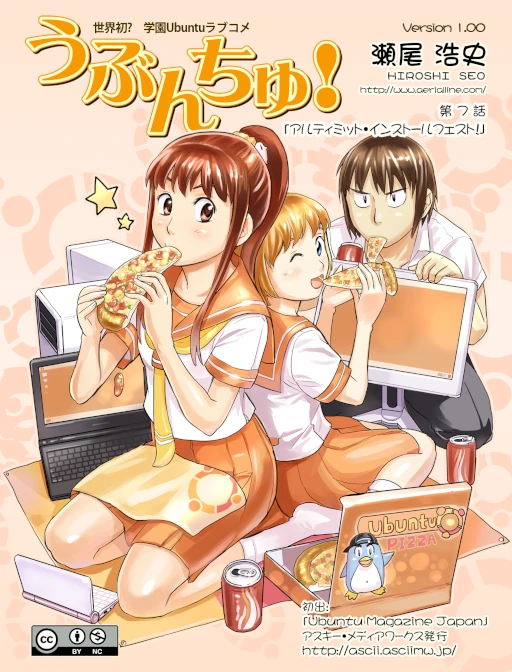
Introduces the installation mutual-aid events unique to the Linux community, which are very popular in the United States. I originally thought a Linux installfest scene like Revolution OS would appear, but in the end it did not. As expected, putting Richard Stallman’s portrait on an event poster is not suitable…
But a girl comes to the door. Kisaragi excitedly introduces how to install Ubuntu, only to discover the girl wants to upgrade from Windows XP to Windows 7. She even mocks her, saying that in “wealthy” Japan she has somehow fallen so low that she has to use a “free” operating system…
Kisaragi therefore successfully installs Windows 7 using Ubuntu.
Episode 8: Have You Mooed Today?
今日はもうMooしましたか?
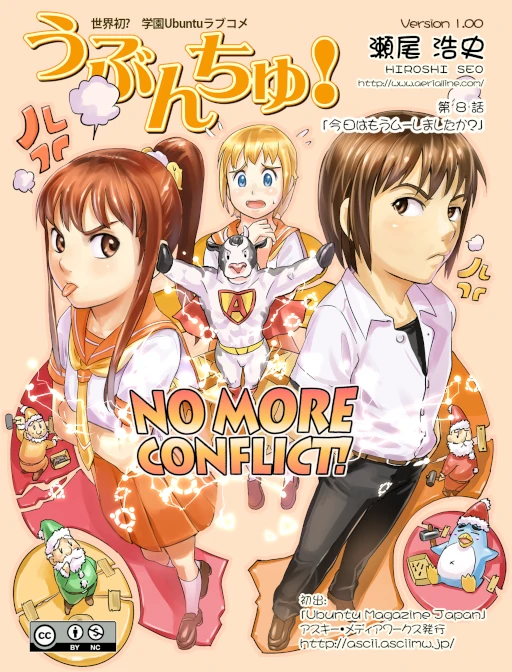
Introduces how to use the APT package manager.
Never randomly copy and paste commands. With just one magic command, “apt install -f”, you can fix the problem of dependency hell, and there will never be any “conflicts” again! (Yeah right.)
“Moo” comes from APT’s mascot: Super Cow Powers!
Episode 9: The Revolutionary Japanese Input Method Kaname
日本語入力革命カナメ
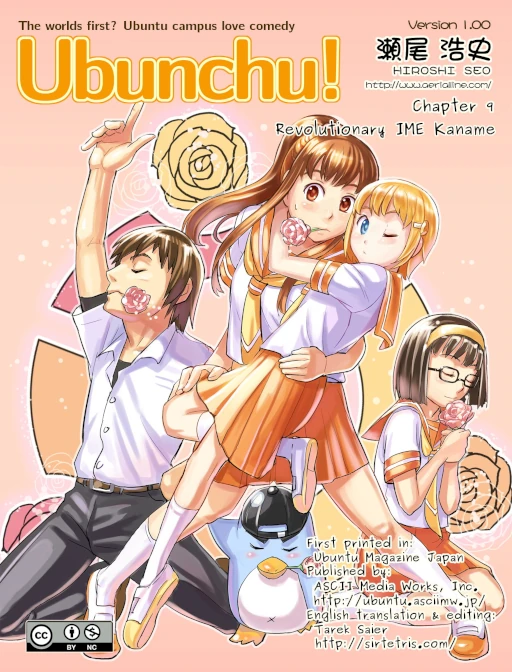
Introduces the Japanese input method Anthy and dictionary files.
かなめ is troubled because she cannot input Japanese on Linux.
Kisaragi tells her about the existence of Anthy.
It turns out that かなめ is a BL fan, and Kisaragi, not understanding what is going on, interprets it as BSD License (?)
Episode 10: User Interface War!?
インターフェース戦争勃発!?
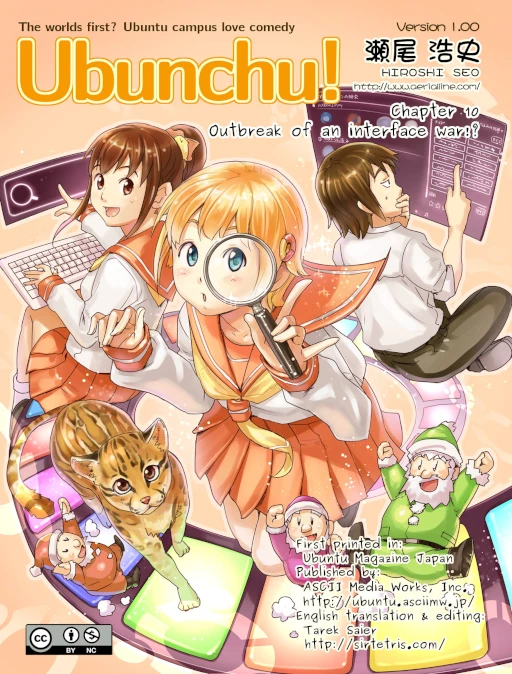
Discusses the problem that the Ubuntu Unity desktop is hard to use.
In this episode, the system has been upgraded to Ubuntu 11.10 (Oneiric Ocelot), which is why an ocelot appears.
Ubuntu began using its own Unity desktop environment starting with 11.04, and later switched back to GNOME in Ubuntu 17.04. At the time, Unity was one of the first to add internet search capability to the search bar.
Episode 11: My Young Lady Loves an Old Butler?
お嬢様は老執事がお好き!?
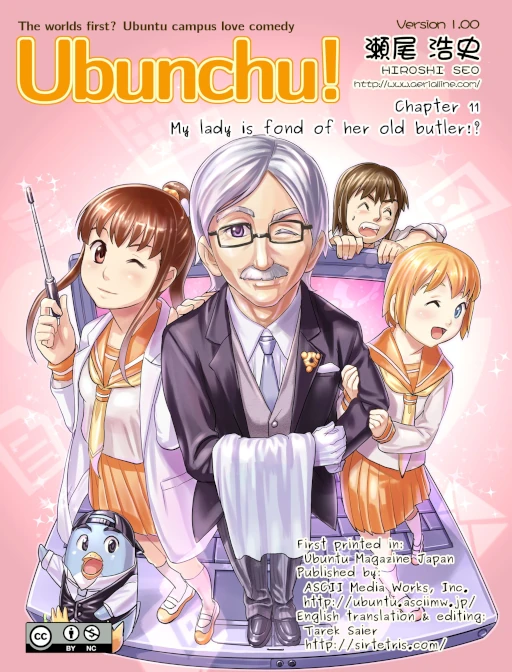
Introduces Ubuntu Server, revives an old computer running Windows Me, and introduces how to use Nagios with Munin to monitor server status.
Shiina compares the server to a butler (servestian), and because it is an old computer, it is an old butler.
Episode 12: Little-Sister-Type Hegemony Distribution! Mint-chan
妹系覇権ディストリ!ミントちゃん
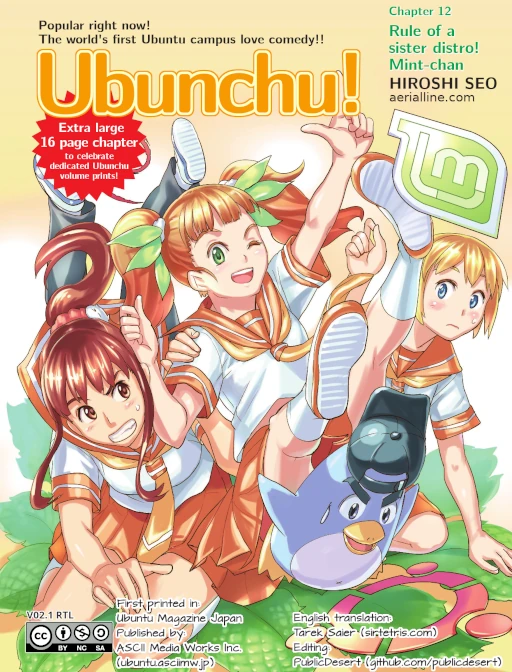
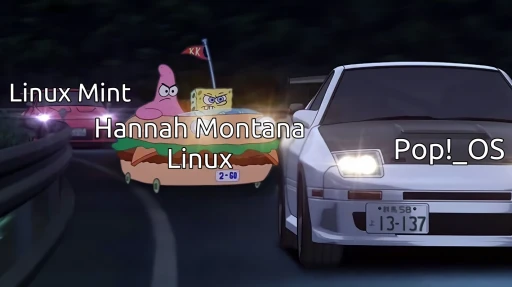
Little-sister-type hegemony distribution! Where is Linux Mint better than Ubuntu!? Ever since this newcomer suddenly gave a Lightning Talk at the Release Party, she has stolen all of Ubuntu’s shine!
Introduces Release Party, lightning talk culture, and the concept of Linux distributions.
The originally deserted Ubuntu 12.04 Release Party unexpectedly has a crowd of people? It turns out the girl brought a distribution derived from Ubuntu: Linux Mint, which is now the number-one Linux distribution on DistroWatch.
Linux Mint promotes an out-of-the-box experience friendlier than Ubuntu, threatening Ubuntu’s position!
The manga also plays with the Debian logo meme. Kisaragi discovers that the Linux Mint CD she received is actually the Debian-based LMDE version. Midou then exposes that the girl used to wear spiral glasses, so she admits that she used Debian before. She thought that if she switched to a more mainstream distribution, she would become more popular. Kisaragi, as if having found a kindred spirit, steps forward and hugs her.
At the end, President Shinozaki quips: you distributions can keep arguing with each other; Linux’s market share is only 1% anyway.
I really think the author of Ubunchu! is amazing. He cleverly captured the mindset of Debian users: ever since Ubuntu became popular, the spotlight was stolen. For us Debian users, if your tutorial article is about Debian, other people have no idea what that thing is. If you write about Ubuntu, it is obviously much more popular, right? Then after Linux Mint appeared, it showed a tendency to shake Ubuntu’s position. So the character in the manga decides to switch to Linux Mint to become more popular. But she cannot let go of Debian pride, so she decides to distribute Debian CDs wearing a Linux Mint skin, using this to draw in believers! Then the manga protagonist discovers she has found a kindred spirit. For a period in the past, she only operated through the CLI and had no idea desktop environments existed.
This manga is a work from almost 20 years ago. In the past, people would evangelize Linux by making CDs.
Trivia: Linux Mint really does officially provide a Debian-based ISO called LMDE, specifically for free software diehards. This can also prevent Ubuntu from one day doing evil and affecting project development.
Episode 13: The Split of the Historic Literature Club
伝統ある文芸部の分裂
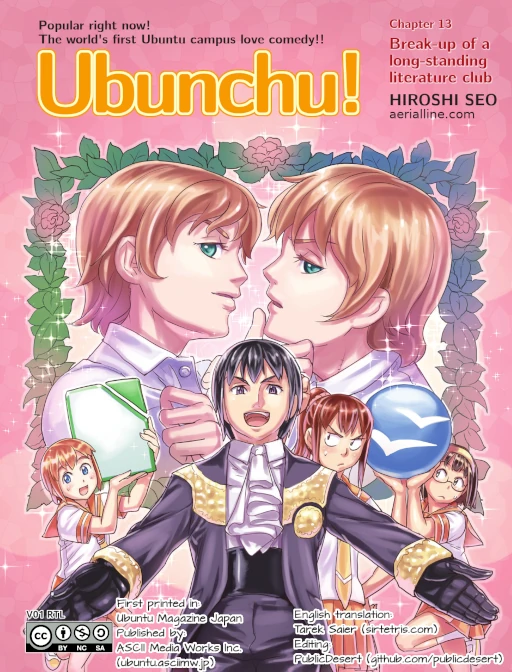
Introduces the relationship between Apache OpenOffice and LibreOffice. The two come from the same origin and each has supporters. It also introduces the importance of the ODF format.
The System Administration Club promotes using OpenOffice as word-processing software to the Literature Club. Unexpectedly, the twins in the Literature Club start arguing, with supporters of OpenOffice and LibreOffice each insisting on their own view. So both sides decide to compete by writing novels and see which software is easier to use. At the end, Kisaragi points out the importance of the ODF format: even if you dislike your current software, you can switch to another one and still open the file normally.
Episode 14: Operators of Hearts and Hardware!
あなたのハードを動かし隊!
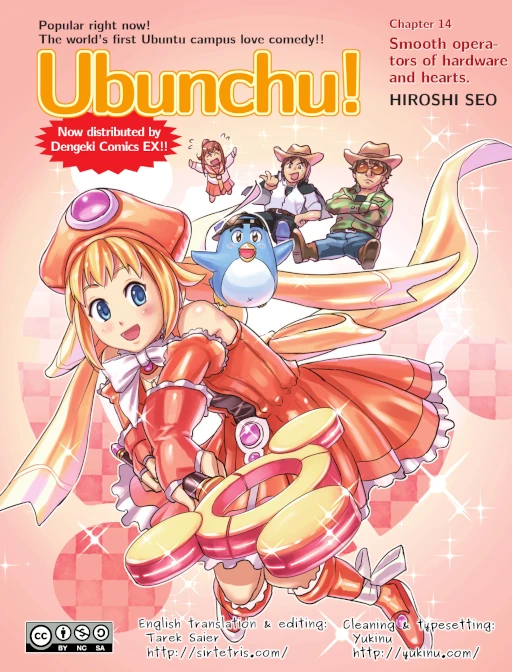
Introduces the concept of drivers and the dilemma that hardware vendors are unwilling to develop Linux drivers.
Midou asks Shiina to put on a magical girl cosplay outfit and use an infrared magic wand to control the computer, but Linux has no driver for such a niche thing, so everyone decides to hand-write a driver… After exhausting every method, Midou gives a mysterious motivational speech, has the two girls both put on cosplay outfits, records a video, and asks for help online. A few days later, they receive a driver developed by the Linux community.
Episode 15: Have You Seen Ubuntu Touch?
Ubuntu Touchは見た!?
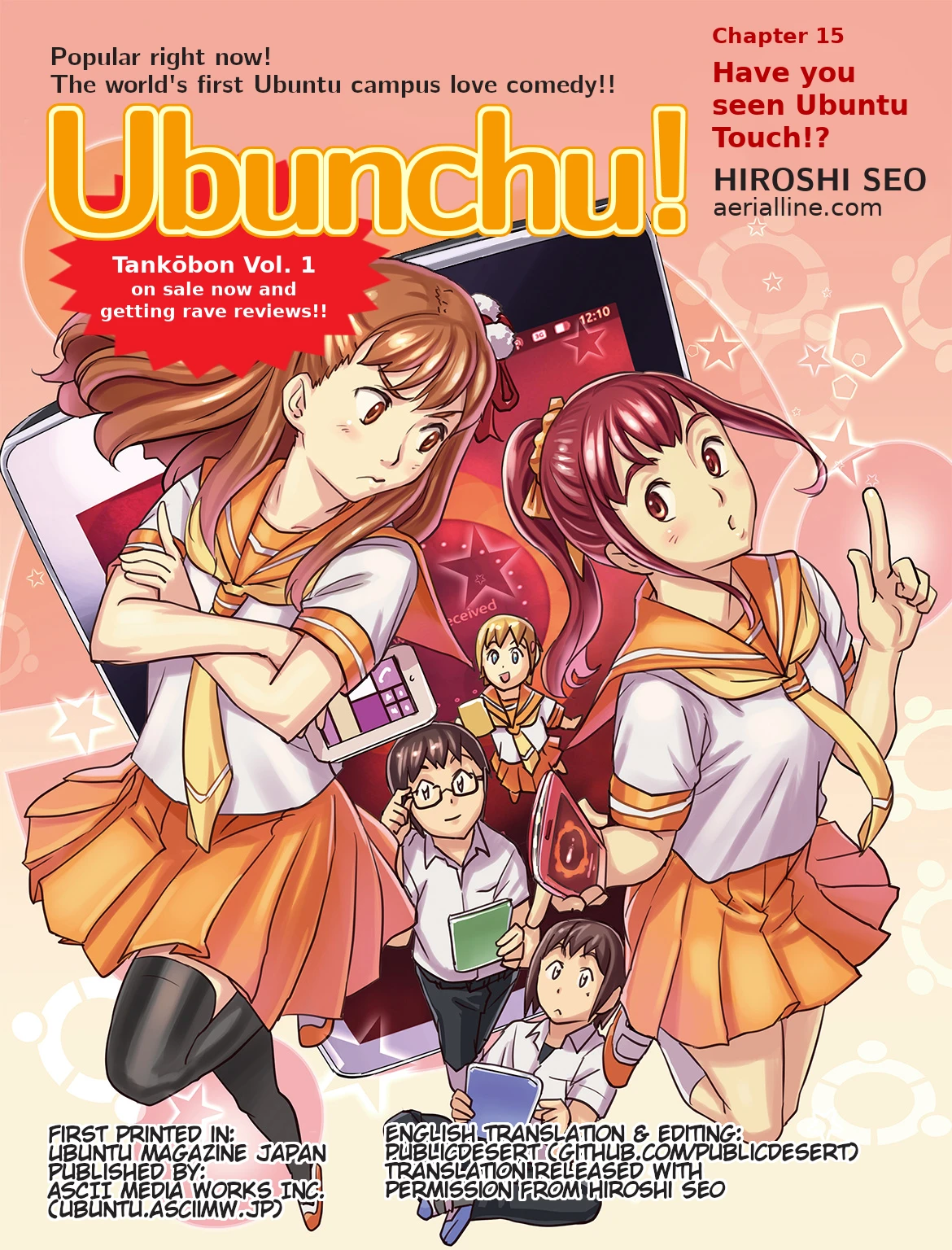
Introduces how to operate Ubuntu touch, while also complaining that the Windows 8 interface is hard to use. In this episode, the System Administration Club flashes an Android tablet into Ubuntu touch. But it also complains about the immaturity of this system: since there is a huge software shortage, let the community perfect it!
Ubuntu touch is a mobile system launched by Canonical in 2011. It promoted the Unity desktop and Snap onto smartphones, attempting to establish a cross-platform operating experience to compete with Android and iOS. However, after only a few years of development it was discontinued and handed over to the open source community for maintenance. Even now, it remains in a half-dead state.
Special Episode 1
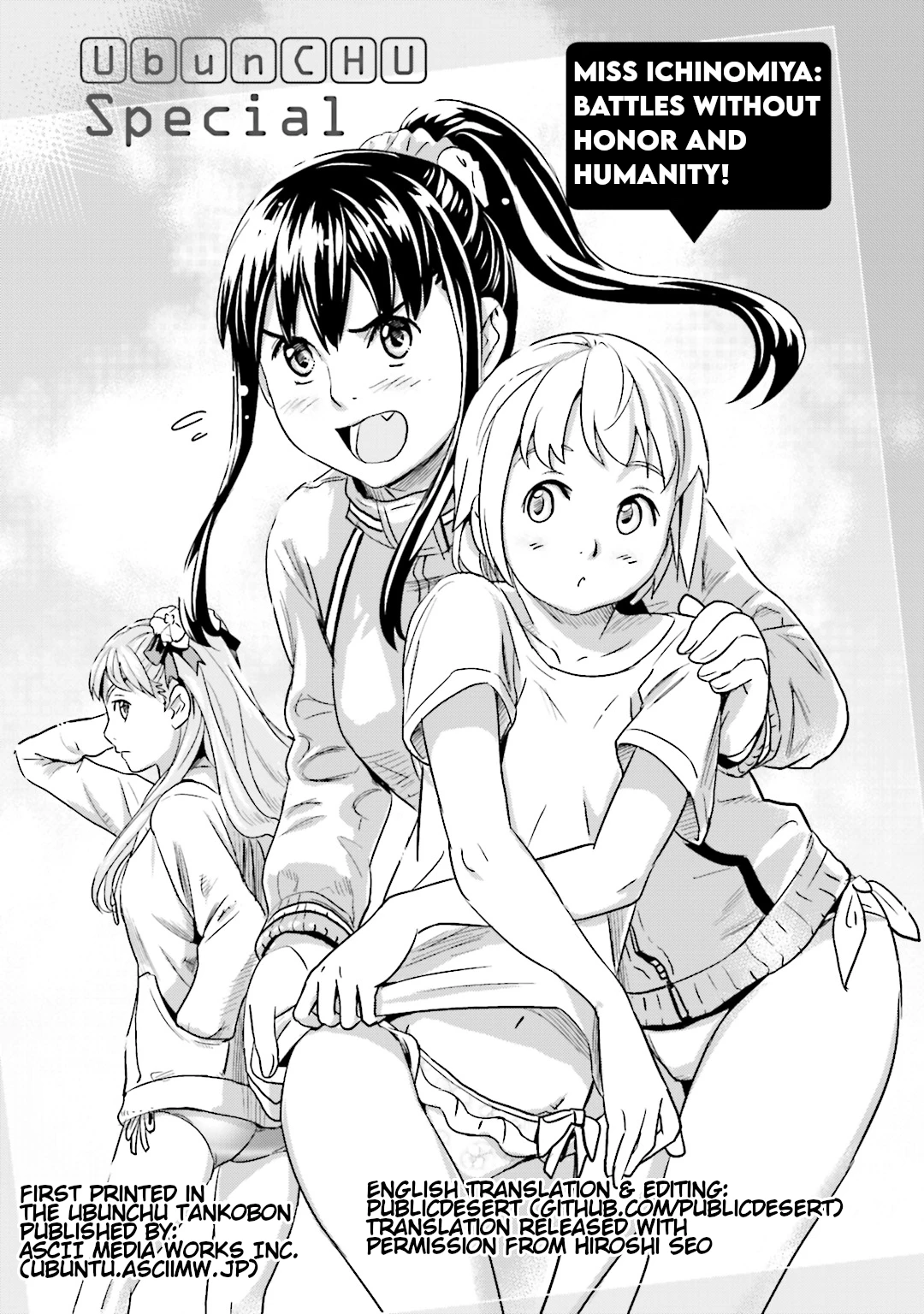
Swimsuit episode!
At a talent contest for school clubs, President Shinozaki receives high praise for her good singing voice and good figure. Kisaragi actually wears a bikini on stage and sings Richard Stallman’s 〈Free Software Song〉, and ends up in last place.
When Shiina goes on stage, she appears together with Hikaru Aizawa, the mascot Taiwan Microsoft drew for Silverlight at the time, and receives the highest score in the entire venue.
Special Episode 2
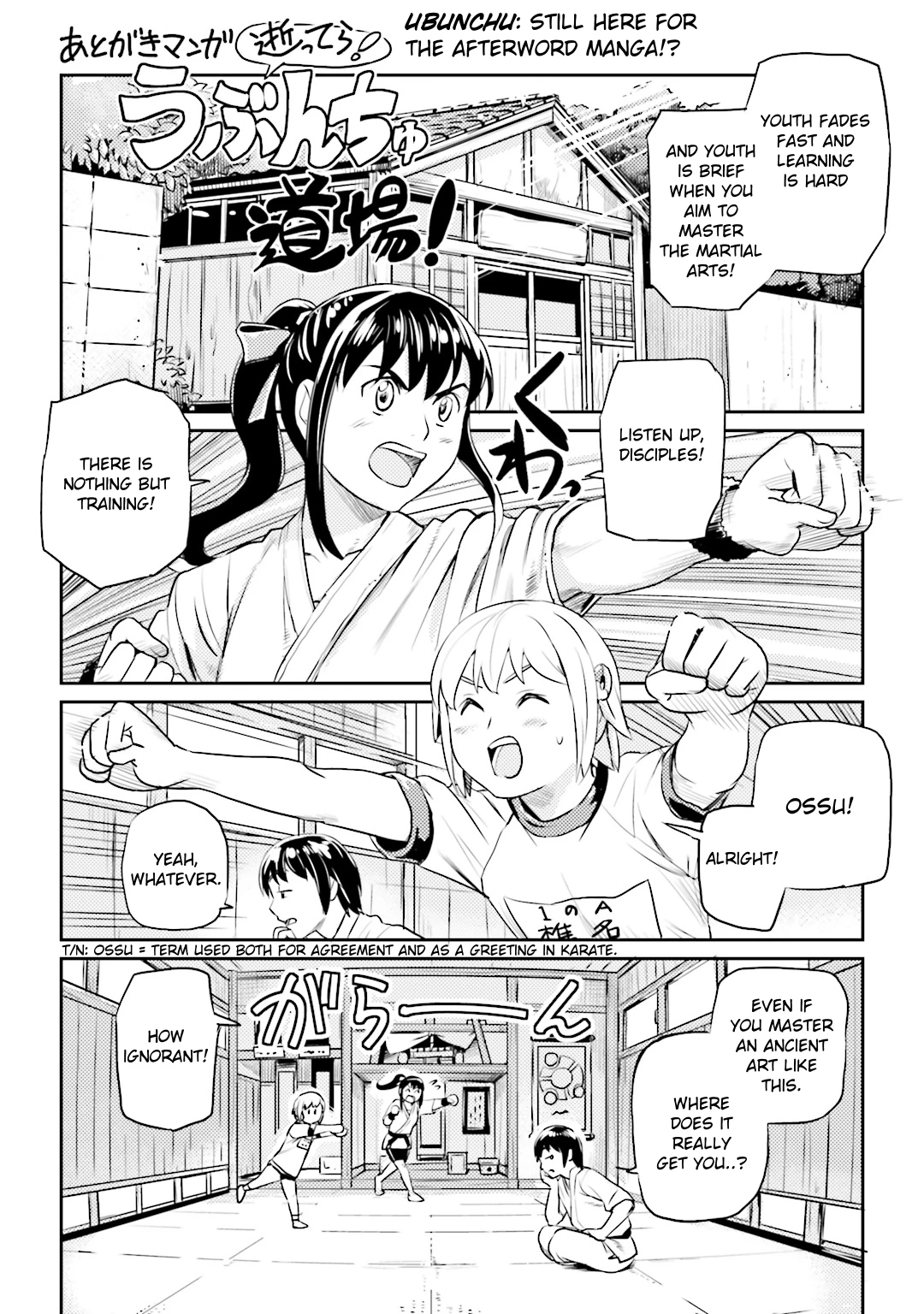
Ubunchu Dojo! It compares operating systems to martial arts schools.
The Ubunchu school inherits the fine traditions of ancient Unix martial arts, and adds many modern features, making it a system that beginners can easily get started with!
Opposing it is the Windows Dojo opened across the street, full of foreign martial arts, a system that aims for victory!
At the end, Midou discovers an iOS + Android shop opened nearby, and everyone heads to the phone store (gym). It seems computers (traditional martial arts) are already outdated!
Special Episode 3
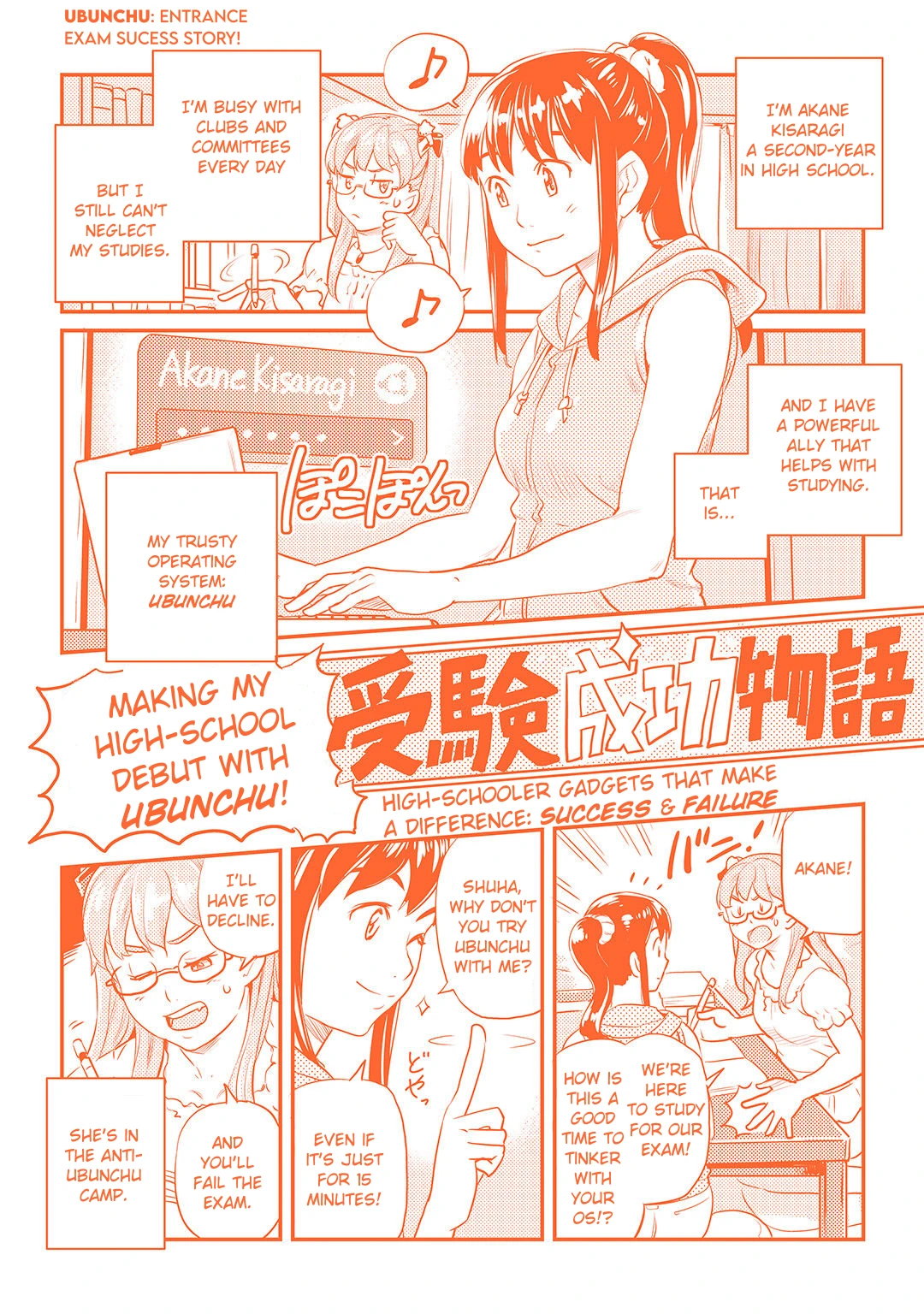
Entrance exam episode!
Playing with the Ubunchu system can help you study, and may even determine success or failure on exams!