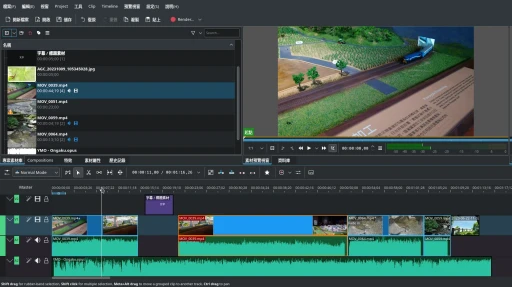
Scrcpy is a software that mirror the screen of an Android phone to your PC, and you can control the phone from your PC. Currently, Scrcpy is only available on Linux/Windows/macOS. Can we run Scrcpy client directly on an Android phone to control another Android phone?
Yes, but I’m not happy with the current solutions, there is no working open source app for Scrcpy for Android (the ones I found on Github are all abandoned), but there are third-party apps that integrate Scrcpy, for example: Duplila, 甲壳虫ADB助手, 魇·无界投屏
Update: Finally we got real open-source Scrcpy for Android! Check out this: https://github.com/zwc456baby/ScrcpyForAndroid
Although they are free to use, they are all proprietary software, and Duplila’s advanced features charge a monthly fee for $2? 甲壳虫ADB助手 only costs $1.
So I decided to use my open source solution: Using Termux X11 to run Scrcpy. There are ADB and Scrcpy packages in Termux’s official repository, so there’s no need to install a proot-distro to run Scrcpy.
-
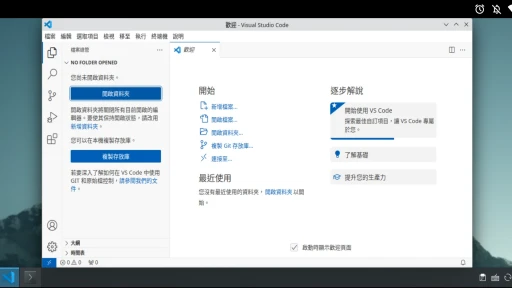
Setup XFCE4 Desktop for Termux and install Termux X11.
-
Install the following packages
pkg install scrcpy android-tools- Pair with another Android phone via wireless ADB
# Enable wireless debugging in Developer Settings
adb pair <IP>

adb connect <IP>-
Launch XFCE4 in Termux.
-
Start Scrcpy from Termux terminal:
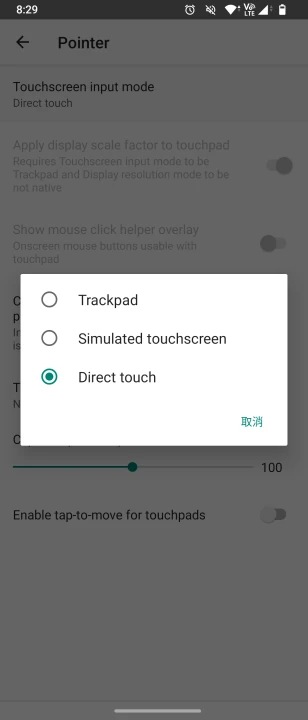
GALLIUM_DRIVER=virpipe scrcpy -m 1080 -b 5M --audio-codec=aac --fullscreen- The Scrcpy window will now appear in Termux X11! For better touch control, go to Termux X11 settings and enable Direct Touch mode.