In this article I will discuss how to play Minecraft Bedrock Edition on Linux.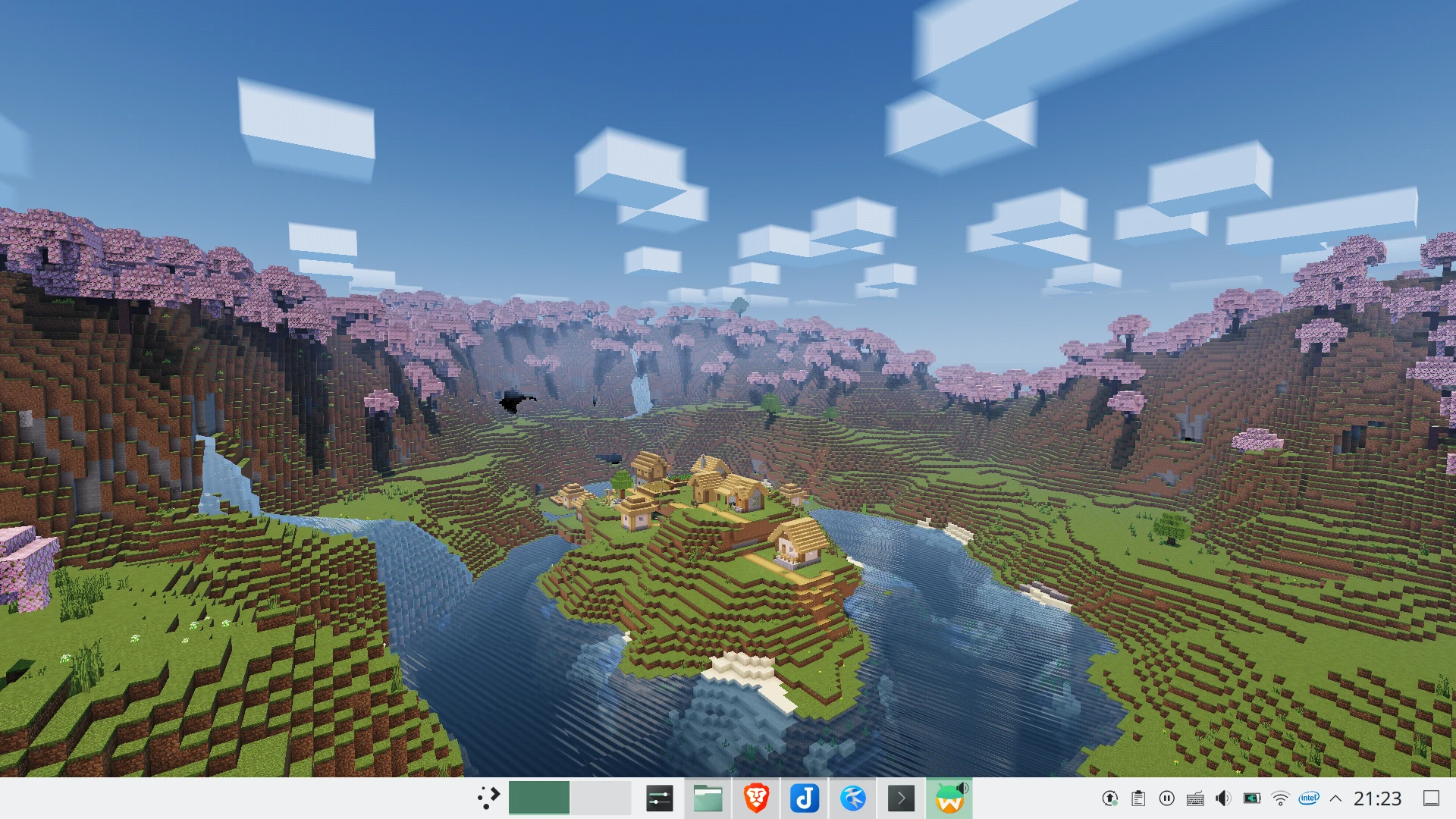
The “Linux” here includes: Ubuntu, Debian, Fedora, Arch Linux, Manjaro, openSUSE, Gentoo. ChromeOS IS NOT INCLUDED.
1. What is Minecraft Bedrock Edition?#
Minecraft Bedrock Edition is a version launched after Mojang was acquired by Microsoft in 2015. It is different from the Java version of Minecraft, which is commonly known as the “PC version”. Bedrock Edition focuses on cross-platform play. In addition to the Windows version, Bedrock Edition also integrates the previous mobile version (Pocket Eidtion) and console version (Console Eidtion), and is named Bedrock Edition, making it a truly cross-platform version of Minecraft.
The world format, commands, servers, and mods (“Add-On”) of Bedrock Edition are all the same among various platforms. Users can freely choose to control players with touch, keyboard, and controllers. And players can connect to each other among various platforms. This is where Bedrock Edition outperforms Java Edition. However, the mod functions of Bedrock Edition are not as rich as Java Edition.
And although Bedrock Edition claims to be “cross-platform”, there are still no native versions for macOS and Linux.
2. Options for playing Minecraft Bedrock Edition on Linux#
Since there are so many Minecraft Java Edition launchers for Linux, can we run Minecraft Bedrock Edition for Windows on Linux with XX Launchers ??
The answer is NO.
Because Minecraft Bedrock Edition is written in C++ and packaged in UWP format, there is no way to rely on the “JVM” to achieve cross-platform like Minecraft Java Edition. And, forget about Wine. It will not work for UWP applications.
In addition to playing Bedrock in a Windows virtual machine, we still have other choice: playing Android version of Minecraft Bedrock Edition.
The functions of Android version are the same as those of Windows Bedrock Edition. The biggest difference is that there is no RTX ray tracing and the rendering distance is shorter. But this is not a big problem, the Android version still has many cool Render Dragon shaders that can meet the needs of players who like eye-candy visual effects.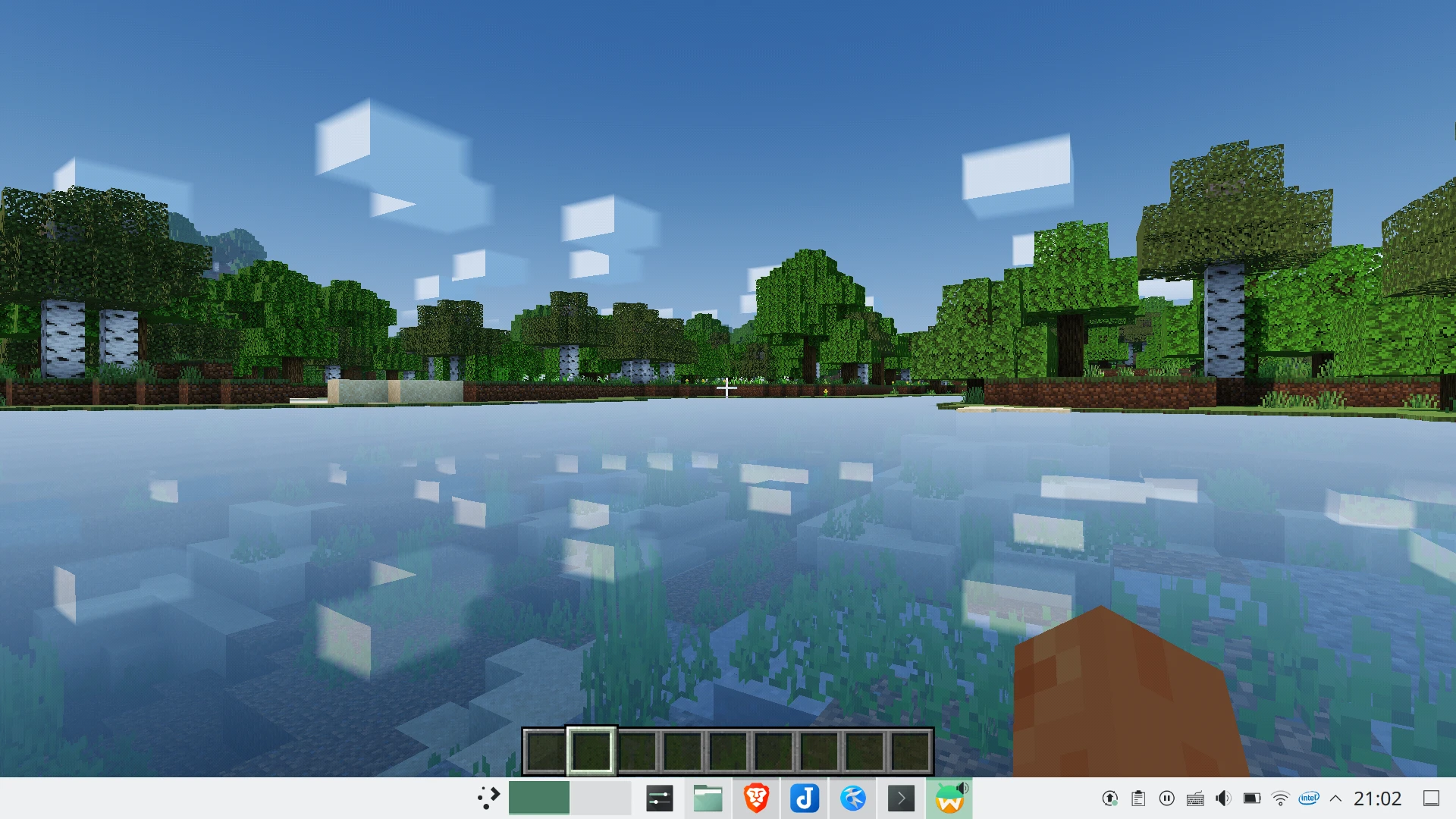
In addition, the Android Bedrock Edition APK supports x86 and ARM architectures, so you can also play Minecraft Bedrock Edition through the Android emulator on ARM-based SBC (such as Raspberry Pi).
I used to use Minecraft Bedrock Launcher developed by Mr. Arm, which supports macOS and Linux, for playing Minecraft Bedrock Edition on Linux. But why wouldn’t I recommend it? It uses Anbox behind it. The Android version is too old, the game will crash inexplicably, and there are various unresolved bugs.
So I decided to use other Android emulator solutions.
Please go to Google Play to purchase Android Bedrock Edition first, and then refer to List of Android emulators for Linux, choose a solution that suits you.
I personally prefer “Waydroid”, which can take advantage of GPU acceleration (well, Nvidia GPU is not supported by Waydroid btw). The touch screen, keyboard, mouse, and game controller all work normally. You can login into Xbox accounts without any issues.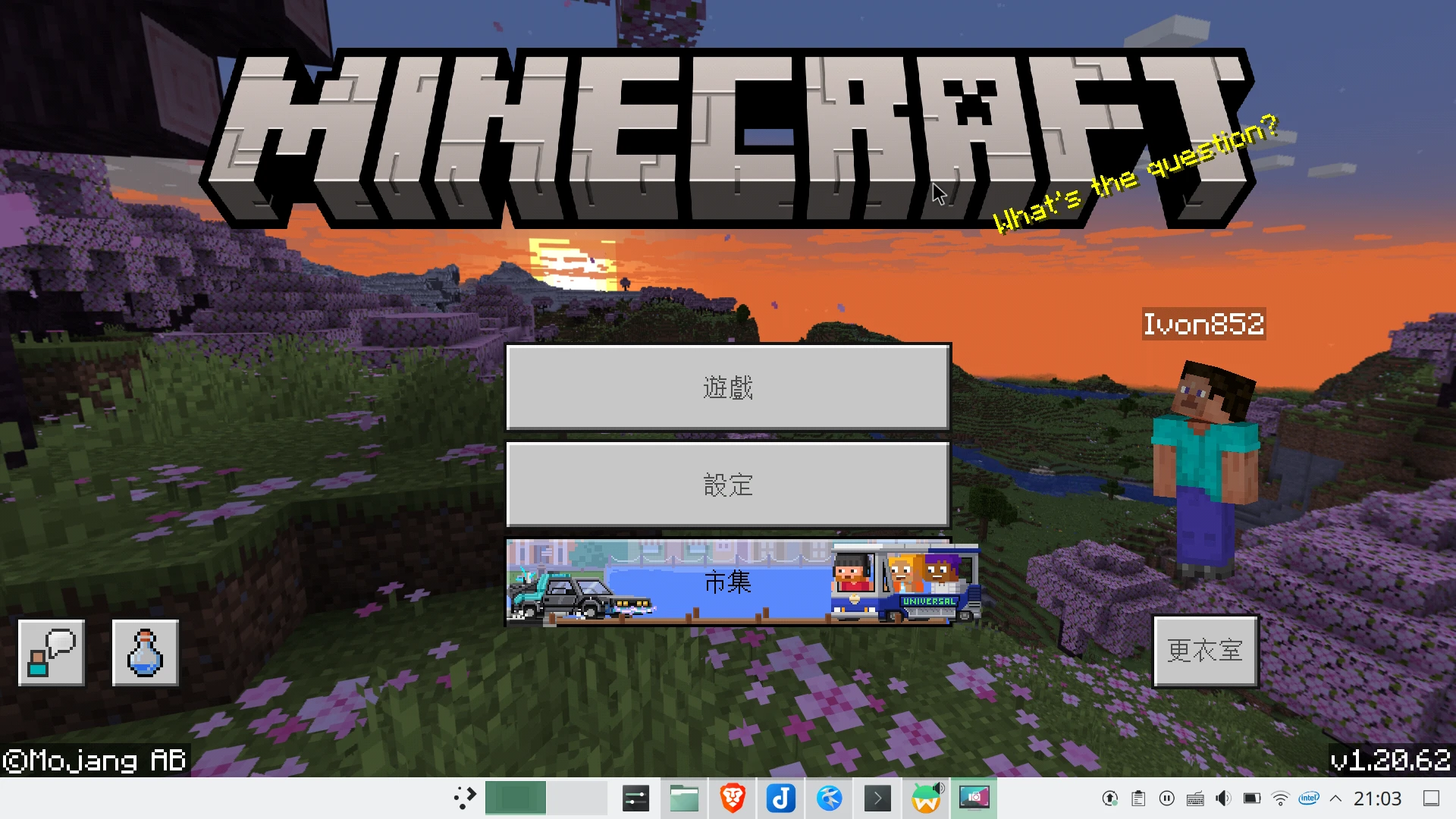
3. Where are the world file of Minecraft Bedrock Edition#
In order to comply with Google Play policies, Minecraft Bedrock Edition (1.18 and later) placed its game data in /data/data/com.mojang.minecraftpe. This directory cannot be accessed without Root permissions.
You can install Minecraft Bedrock Edition Add-On with the extension of .mcpack.
However, it would be troublesome for players who want to manually install it.
In the case of Waydroid, files can be transferred using ADB.
First go to the Minecraft game settings. Change the world storage location to external, so that the game data will be transferred from
/data/data/com.mojang.minecraftpeto/sdcard/Android/data/com.mojang.minecraftpe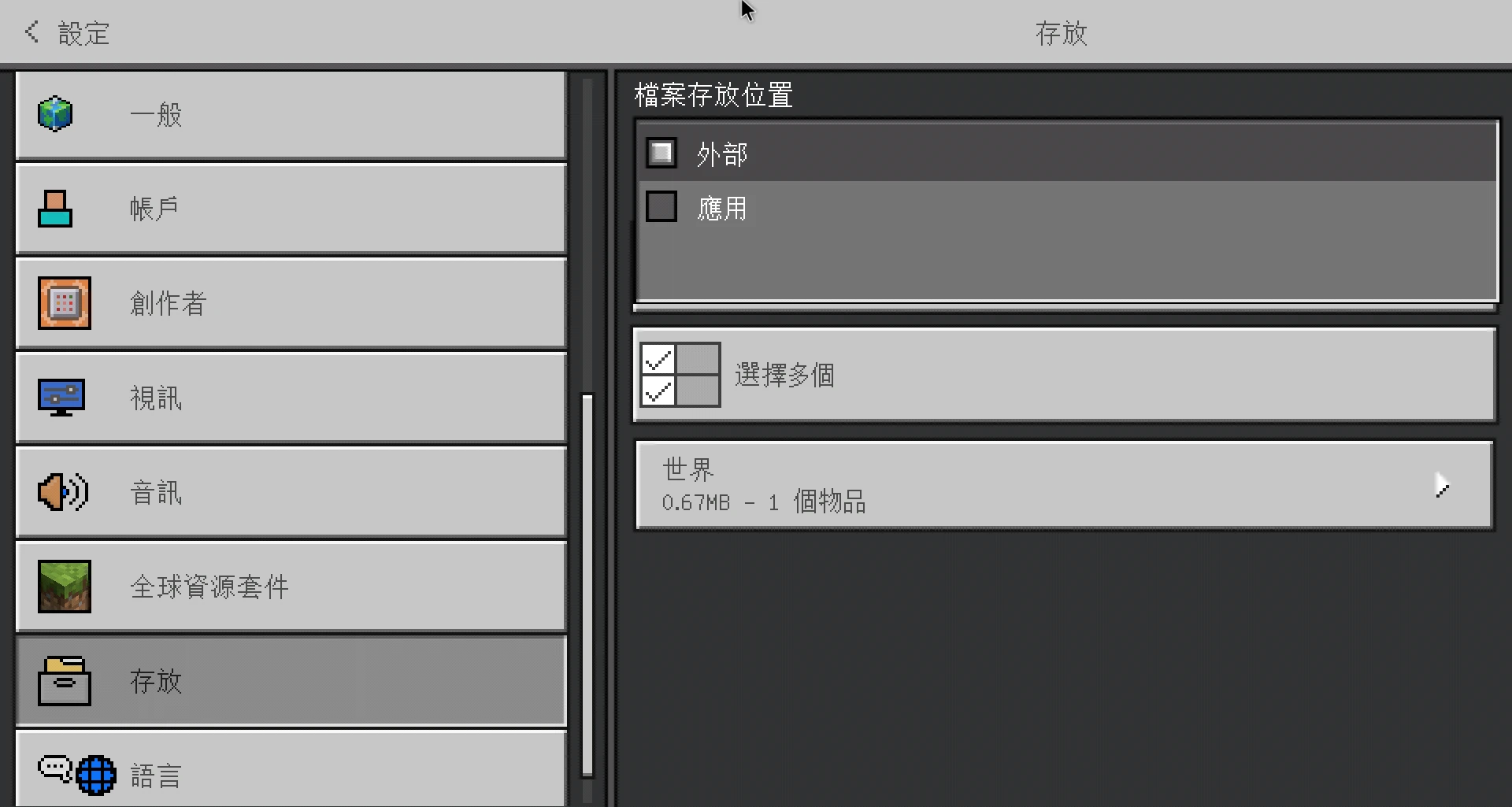
Use the
waydroid shellcommand to grant root permissions to access the files in this directory.
sudo waydroid shell ls /sdcard/Android/data/com.mojang.minecraftpe/files/games/com.mojangThe Minecraft world directory is
minecraftWorlds, the behavior pack dirctroy isbehavior_packs, the resource pack dirctroy isresource_packs, and the skin pack dirctroy isskin_packsGo to Waydroid’s system settings → About the phone, check the IP address, it should start with
192.168...Connect ADB to Waydroid
adb connect IP address:5555- Use the ADB command to push the
MyWorlddirectory of the Minecraft world from the Linux host to theDownloaddirectory of Waydroid container, and then use the Waydroid Shell commands to move them tominecraftWorlds
adb push /home/user/Downloads/MyWorld /sdcard/Download/

sudo waydroid shell mv /sdcard/Download/MyWorld /sdcard/Android/data/com.mojang.minecraftpe/files/games/com.mojang/minecraftWorlds- You can also pull the files in Waydroid to the host machine
sudo waydroid shell cp -r /sdcard/Android/data/com.mojang.minecraftpe/files/games/com.mojang/minecraftWorlds/MyWorld /sdcard/Download

adb pull /sdcard/Download/MyWorld /home/user/Downloads/
4. Multiplayer connection in Bedrock Edition#
Multiplayer connections in Minecraft Bedrock Edition can make good use of Xbox account connections: as long as both parties are friends, they can enter each other’s worlds.
LAN connections may not work because Waydroid runs in its own subnet.
If you need to manage more people, use Bedrock Dedicated Server to set up a server.