Playing Minecraft Java Edition in Termux Proot on Android. No root required.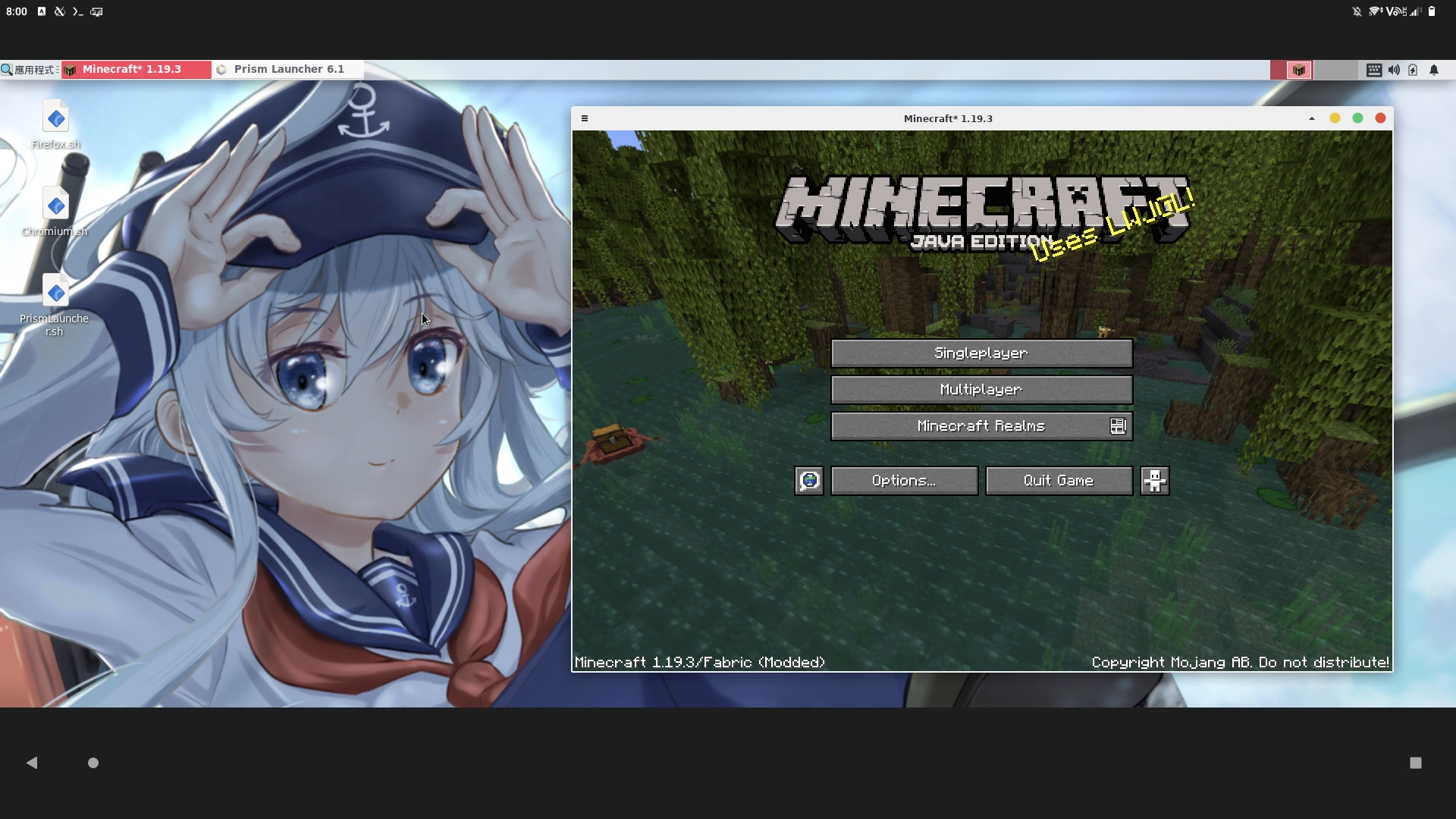
But why? We already have “Pojav Launcher”… because why not? The advantage is, with proot Linux, it is technically possbile to run any PC Minecraft clients, from MulticMC to HMCL, on Android and install any modpacks as your wish.
Currently everything is very experimental, the FPS of Minecraft is not good, the device will heat quickly and the shader will not working.
Before starting, you need mouses and keyboard for controlling players since Minecraft Java Edition does not support touching controls. Also, 6GB RAM phone is the minimumm requriement for running Minecraft Java Edition on Android.
1. Install Termux and Proot-distro#
First install Termux from F-Droid
Second, setup Termux X11
Third, install a proot-distro, such as Debian
Fourth, enable GPU acceleration in Termux
2. Install Prism Minecraft Launcher#
Prism Launcher is a third-party launcher for Minecraft, which is the fork of PolyMC (which is the fork of MultiMC). It can run multiple Minecraft instances so it will be easier to manage mods for different Minecraft versions.
Prism Launcher is avaiable in Pi-Apps. Pi-Apps is a helper script for installing apps on Raspberry Pi.
Start virgl server. Log into Proot-distro. Start Termux X11. Start desktop environment.
Install Pi-Apps in proot.
wget -qO- https://raw.githubusercontent.com/Botspot/pi-apps/master/install | bashPress Enter to continue.
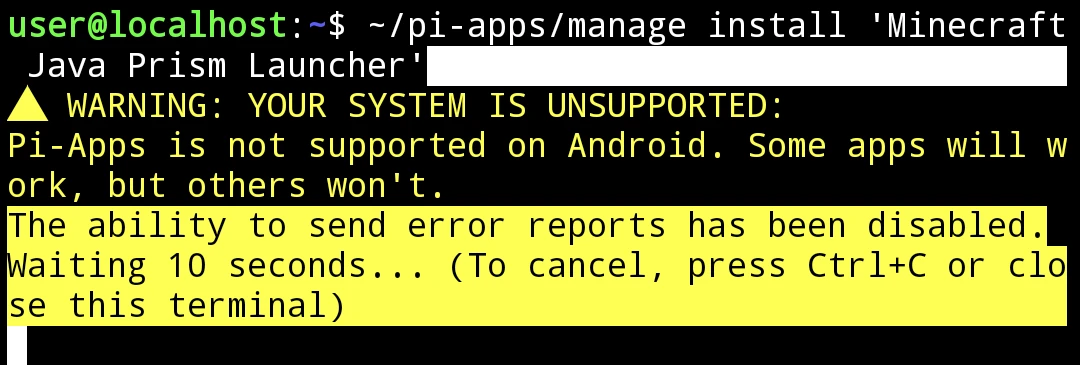
Install Prism Launcher
~/pi-apps/manage install 'Minecraft Java Prism Launcher'The script will install Prism Launcher and OpenJDK for you. However you may see “OpenJDK is not found”
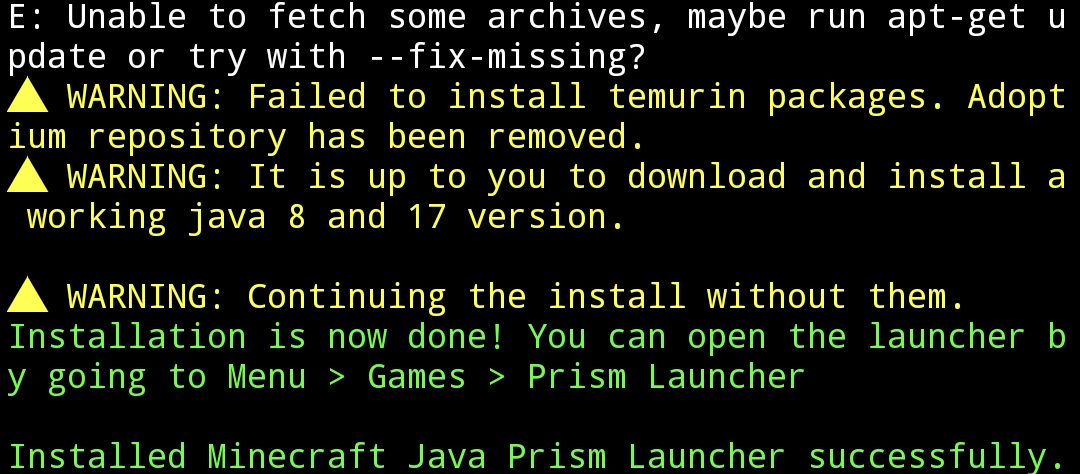
If OpenJDK is missing or downloading failed, install OpenJDK17 (for Minecraft 1.17+):
sudo apt install openjdk-17-jdk- Check Java version:
java -version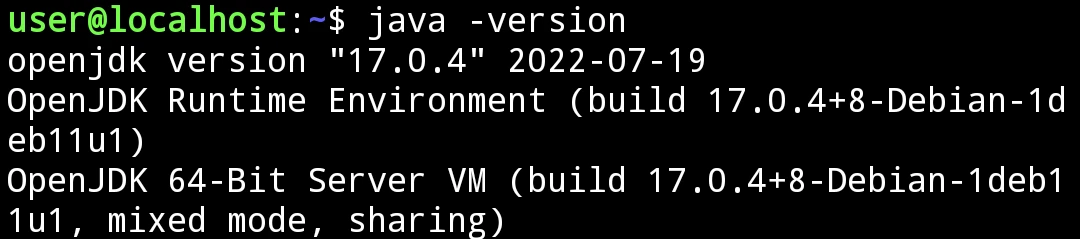
3. Launch Minecraft 1.19.3#
For the detailed instrcution of setting up Prism Launcher, see official wiki.
- Launch Prism Launcher with the following parameters:
GALLIUM_DRIVER=virpipe MESA_GL_VERSION_OVERRIDE=4.0 prismlauncherClick
Accountsat top-right. Log into your Microsoft account.Create a new instance for Minecraft 1.19.3. (Optionally) Install fabric and Sodium mod to improve graphics performance.
Start the game. Go to Settings → Controls and turn off Mouse raw input.
Press F3 in game to see if the
virgldriver is in use.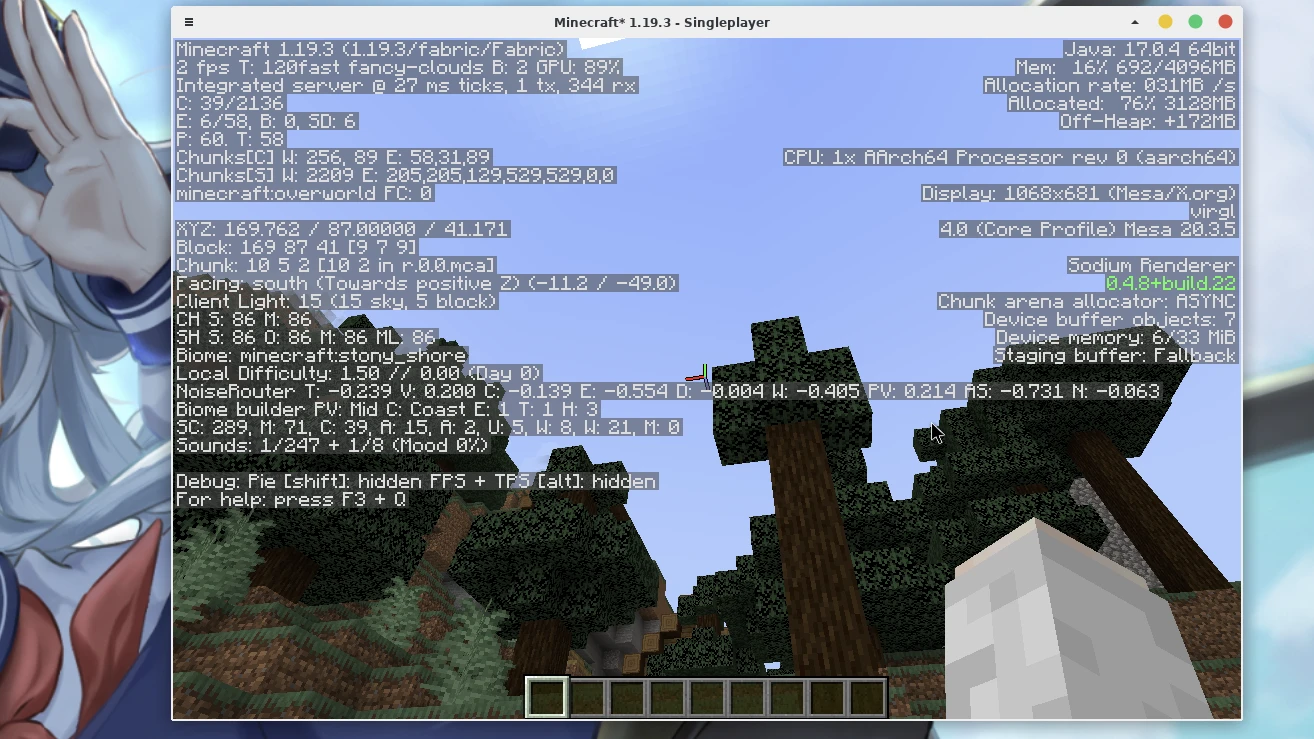
4. Launch Minecraft versions older than 1.12.2#
Older Minecraft versions (<= 1.12.2) require old openJDK versions.
Go to Adoptium to download openJDK 8 binares for aarch64 Linux.
After downloading, extract the archive and move it to system path:
tar -zxv OpenJDK8U-jdk_aarch64_linux_hotspot_8u352b08.tar.gz
sudo mv jdk8u352-b08 /usr/lib/jvm- Launch Prism Launcher with the following parameters. Do not add
MESA_GL_VERSION_OVERRIDE=4.0.
GALLIUM_DRIVER=virpipe prismlauncherCreate a Minecraft 1.12.2 instance. (Optionally) Install Forge and Optifine for better performance.
Right-click and edit the instance, set the Java 8 path:
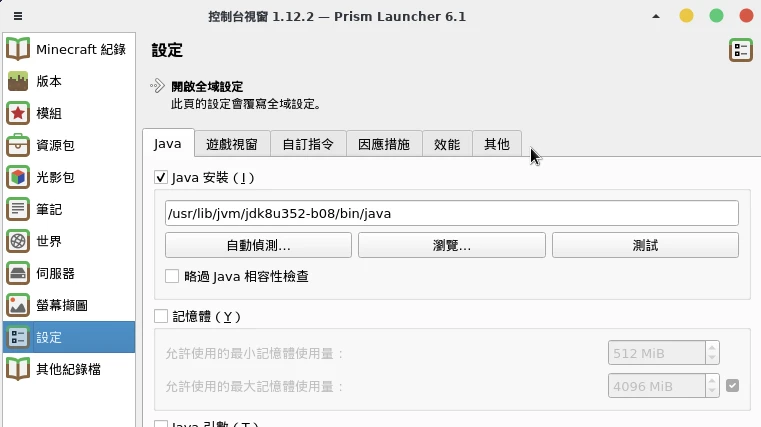
Launch the game. Press F3 to see if
virgldriver is working.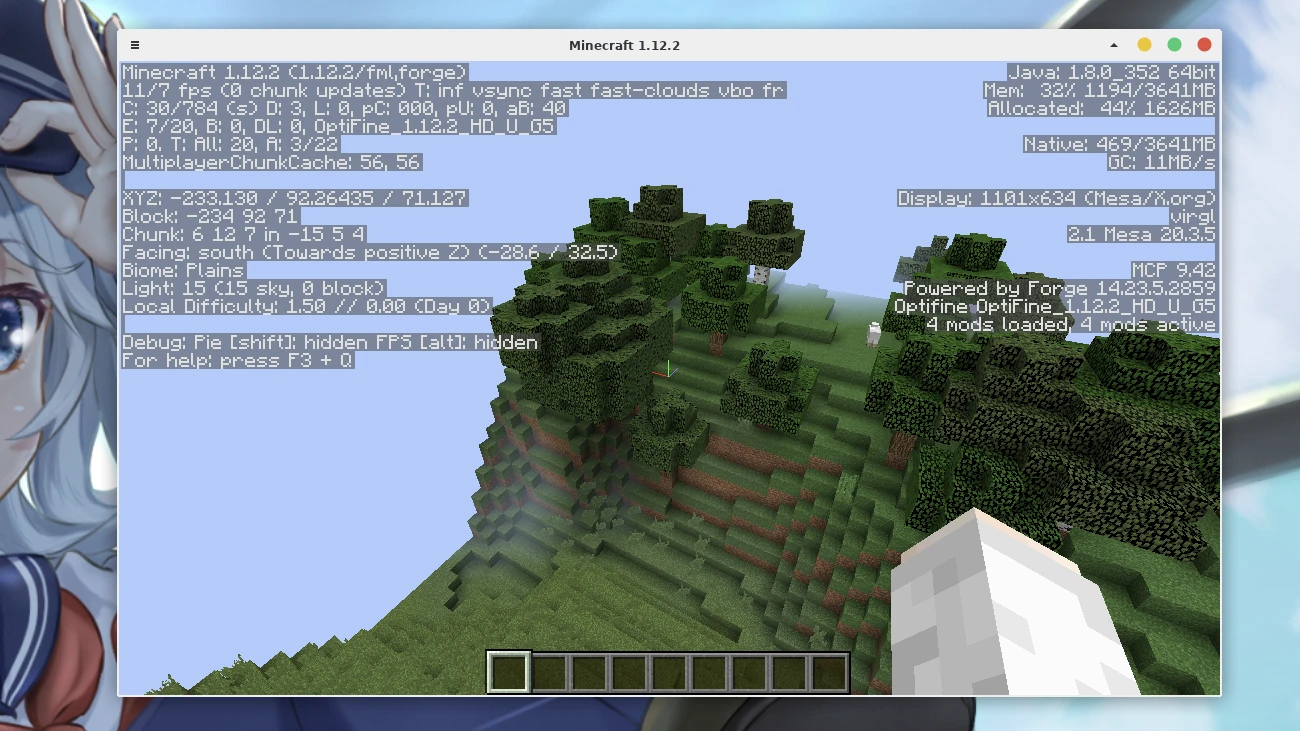
5. Import and export game data#
The game data of Prism Launcher is located at ~/.local/share/PrismLauncher/.
Termux proot-distro should have mounted the internal storage of the phone to /sdcard directory in proot. Thus you could transfer files from your phone to proot using file manager in Proot.