When doing statistical analysis research in applied linguistics, it is inevitable to use SPSS to calculate the results.
SPSS software is a proprietary software developed by IBM, and now it only supports Window and macOS.
Actually, SPSS should natively support Redhat Linux distributions, but according to the IBM announcement, the Linux version of SPSS is only supported up to version 27.
PS IMAGO PRO is a statistical analysis software released by Predictive Solutions, containing IBM SPSS Statistics, PS IMAGO Desinger, PS IMAGO Process.
The SPSS that our school purchased from the representative is version 29, which is included in the “PS IMAGO PRO” bundle, and we renew the contract every year to purchase the latest version of SPSS, which is awesome! We don’t keep any old version of the software for others to download!
Then we can only use Bottles (Wine) to run SPSS! The WineDB data shows that the last versions of SPSS have been running quite well.
My Operating System: Ubuntu 22.04
1. Download IBM SPSS Statistics#
I’m not going to discuss pirated installations here. My SPSS is included in the PS IMAGO PRO suite of software, which was obtained from the school’s designated internal server, and includes an activation serial number.
- After downloading PS IMAGO PRO, I get an ISO file. Mount it as a loop device.
sudo mkdir /mnt/isoimage

sudo mount -o loop /home/user/Downloads/PS_IMAGO_PRO_9.iso /mnt/isoimage- Copy all the files to Downloads
sudo cp -r /mnt/isoimage/* /home/user/Downloads- Umount the ISO
sudo umount /mnt/isoimage2. Install IPM SPSS Statistics in Bottles#
Install Bottles for Linux
Add a new bottle using the “Gaming” template
Install dependencies:
cjkfontsandvcredist2012Click to execute the installer
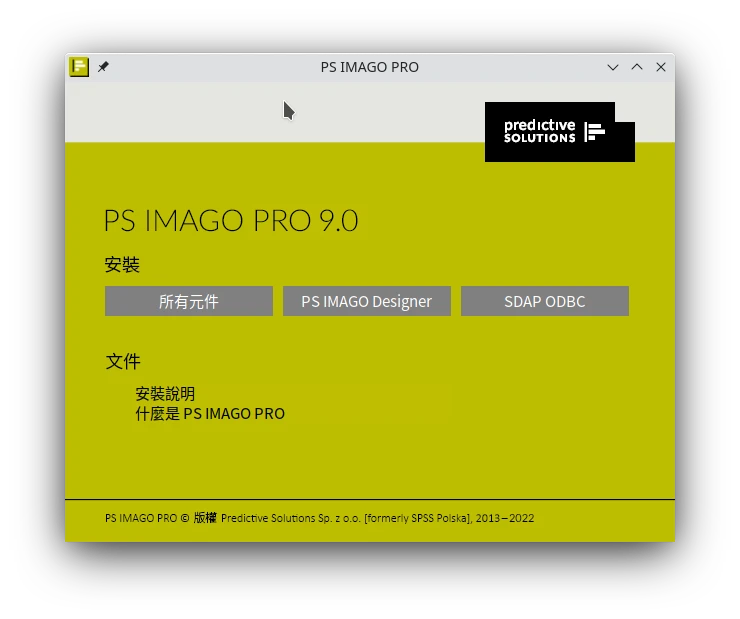
Click
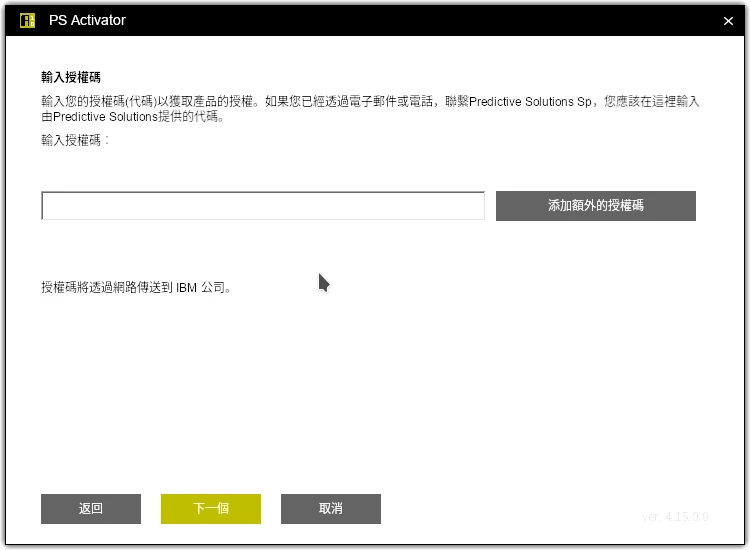
PdDesktopin the program list to enter the main screen.Open “PS Activator” to open and enter serial code to activate SPSS.
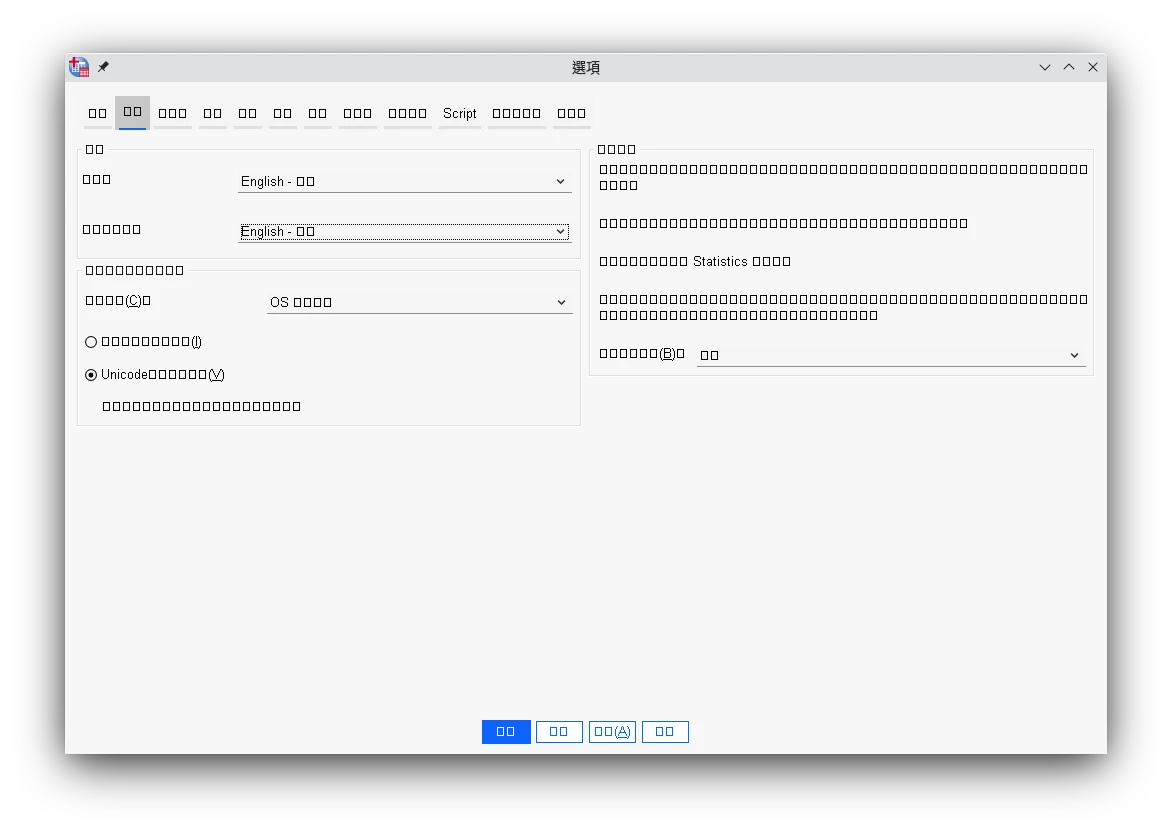
I don’t know why the Chinese text can’t be displayed in SPSS, so I have to go to the options to change the interface language to English.
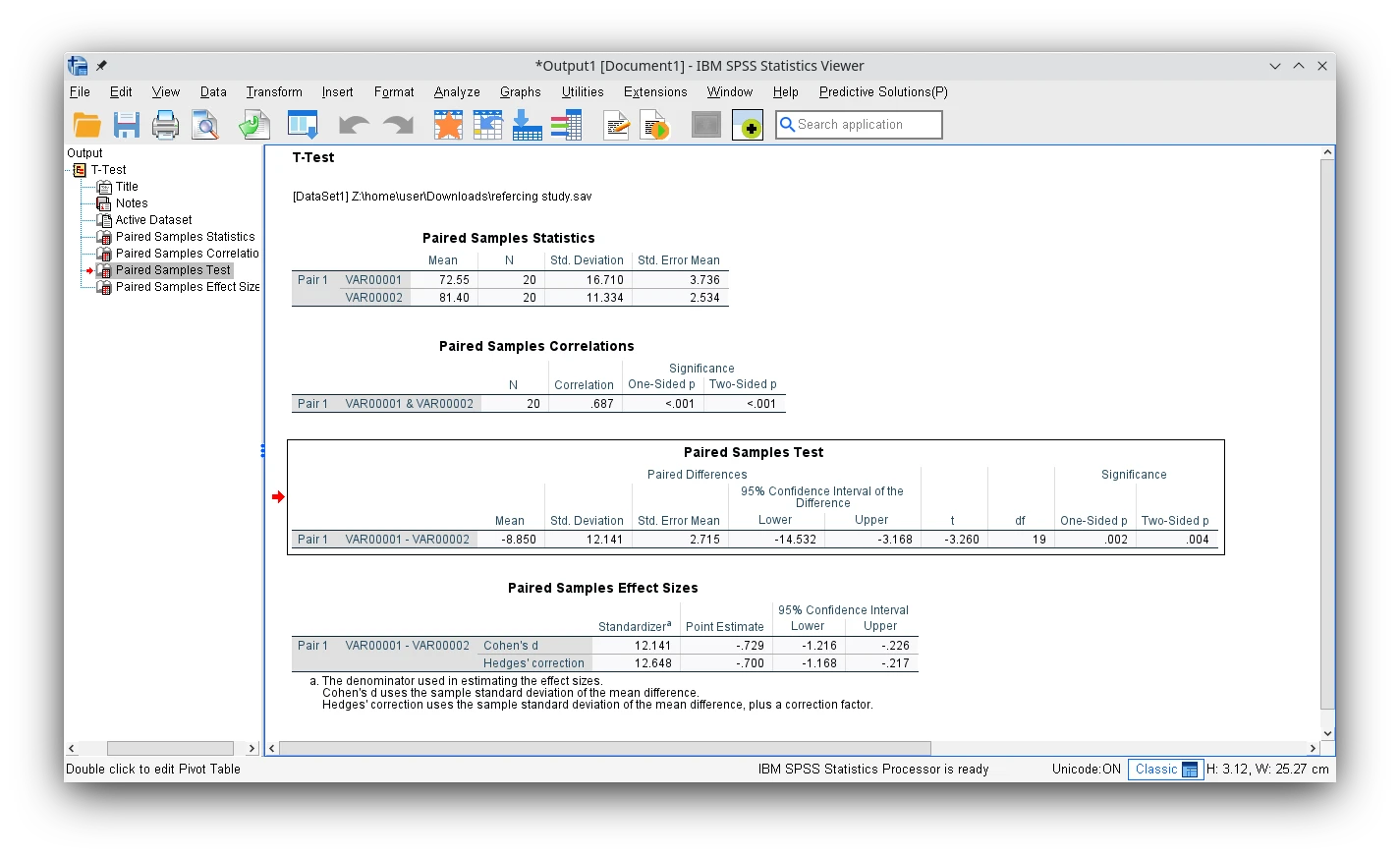
Simply run a paired T-test to analyze the mean value and confirm that I can generate the graph, and I have no problem loading and saving the .sav file.
3. See also : Linux Open Source Alternatives to SPSS#
These two programs are similar in functionality to SPSS and support Linux natively.